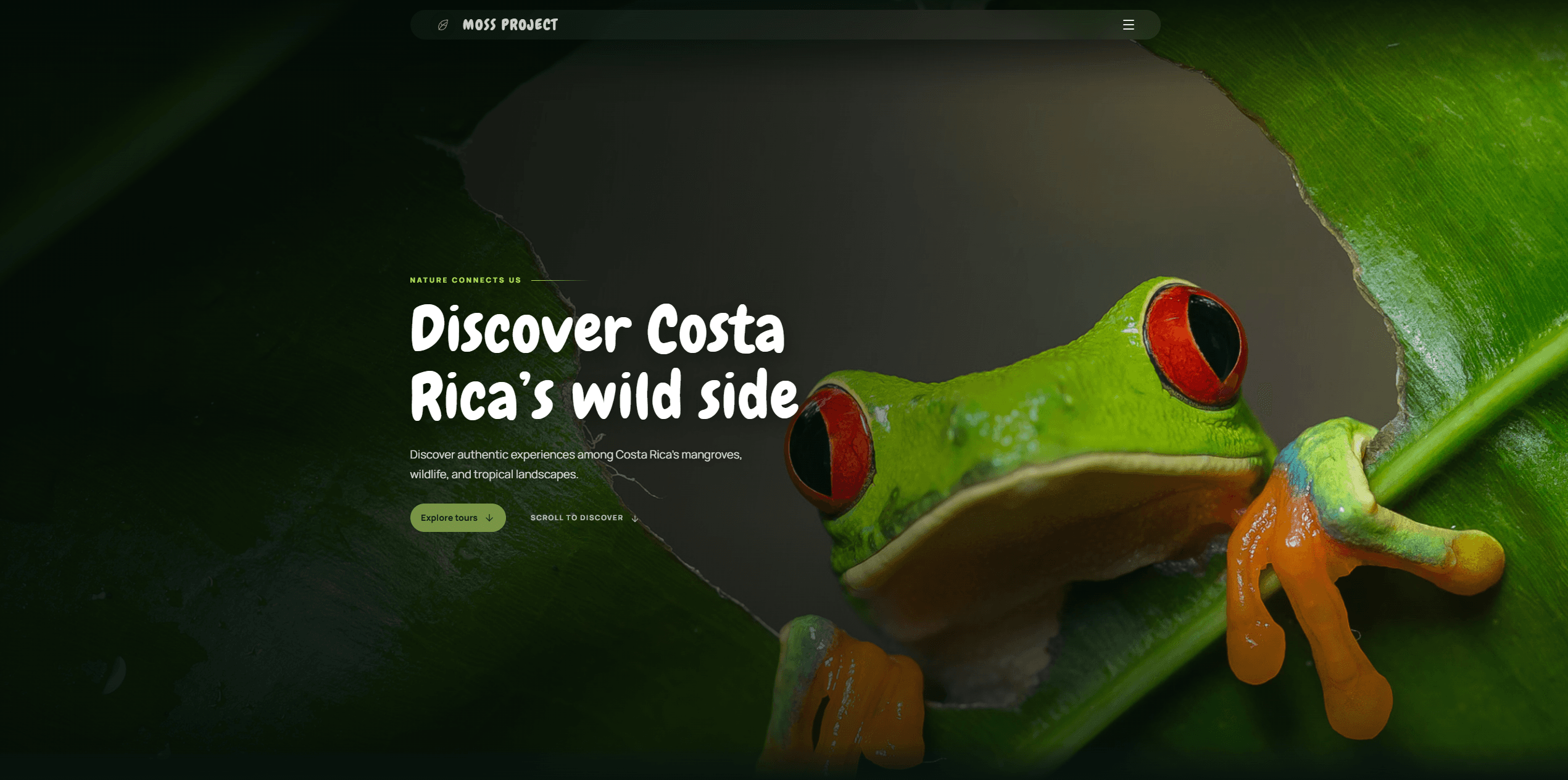
Moss Project
Explore the projectTour discovery, departure availability, bookings and payments connect to an administrative workspace. Moss Project illustrates how a customer journey and day-to-day operations belong to the same application.
Service · 02
When spreadsheets and disconnected tools become the workflow, a custom application can bring the pieces together. Oakflare develops browser-based products for customers and internal teams, connecting the interface to the rules and data behind the business.
Service
Operational workspaces for teams that need to find records, assign work and follow progress. Views are organized around daily decisions, with roles and permissions defining what each person can see or change.
Account-based experiences for booking services, reviewing information and tracking requests. We map availability, authentication and status changes so customer actions stay consistent with the administrative side of the system.
Database-backed systems that connect logistics, customer management or other business processes through APIs. Integrations include validation and failure handling, so an unavailable third-party service does not leave users guessing what happened.
Copying records between spreadsheets, inboxes and dashboards makes it hard to know which version is current. A shared data model and clear update rules can reduce duplicate entry and give each role the context it needs.
A reservation business may need departure availability and payment review; a logistics operation needs package states and customer tracking. We define the essential workflow first, then decide what should be custom and what can remain in an existing service.
Map the current workflow with the people who use it. Identify user roles, business rules, data sources and exceptions, then define a first release that can complete a useful process end to end.
Design the core screens and data model together. Walk through empty states, permission boundaries, errors and handoffs between customers and operators before implementation.
Build the interface, API and database in connected increments. Implement authentication and server-side authorization, and test important transitions such as booking confirmation or package updates.
Validate representative workflows with real users or agreed test scenarios. Plan any data migration, configure production services and agree on monitoring, support and the next iteration.
React and Next.js support the browser experience; .NET or FastAPI can implement business rules and APIs, with PostgreSQL for persistent data. The stack depends on the product and existing systems. There is no requirement to use every technology in one project.
A sample spreadsheet, a walkthrough of today's process or a list of user roles is a useful starting point. Integrations, data migration and permission complexity affect the scope as much as screen count. Oakflare works with businesses in Costa Rica and remotely.
Tour discovery, departure availability, bookings and payments connect to an administrative workspace. Moss Project illustrates how a customer journey and day-to-day operations belong to the same application.
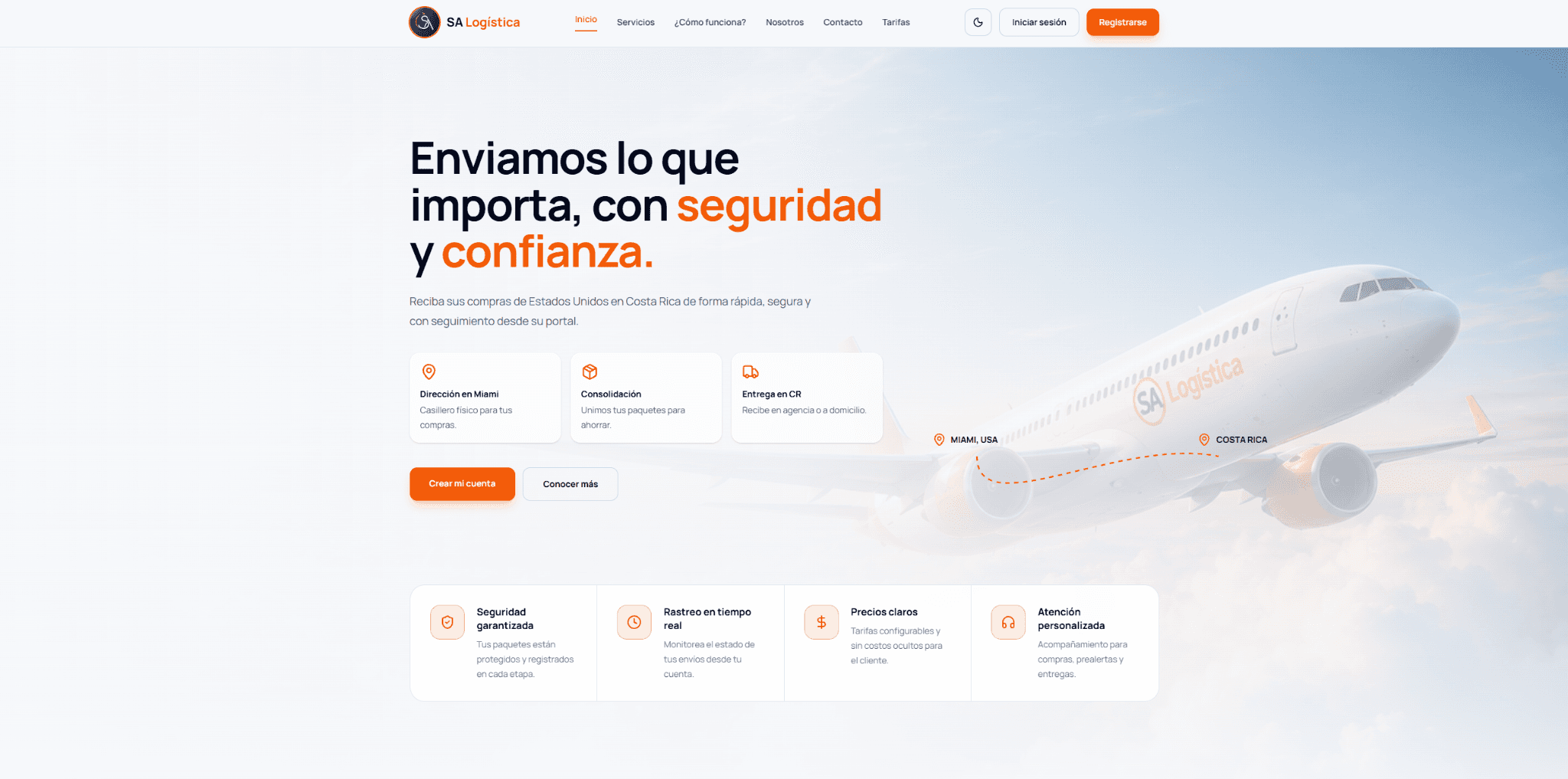
Customer management, package tracking and operational workflows come together in Logística SA. Its customer and operator views demonstrate interfaces organized around different responsibilities.
Have a project?